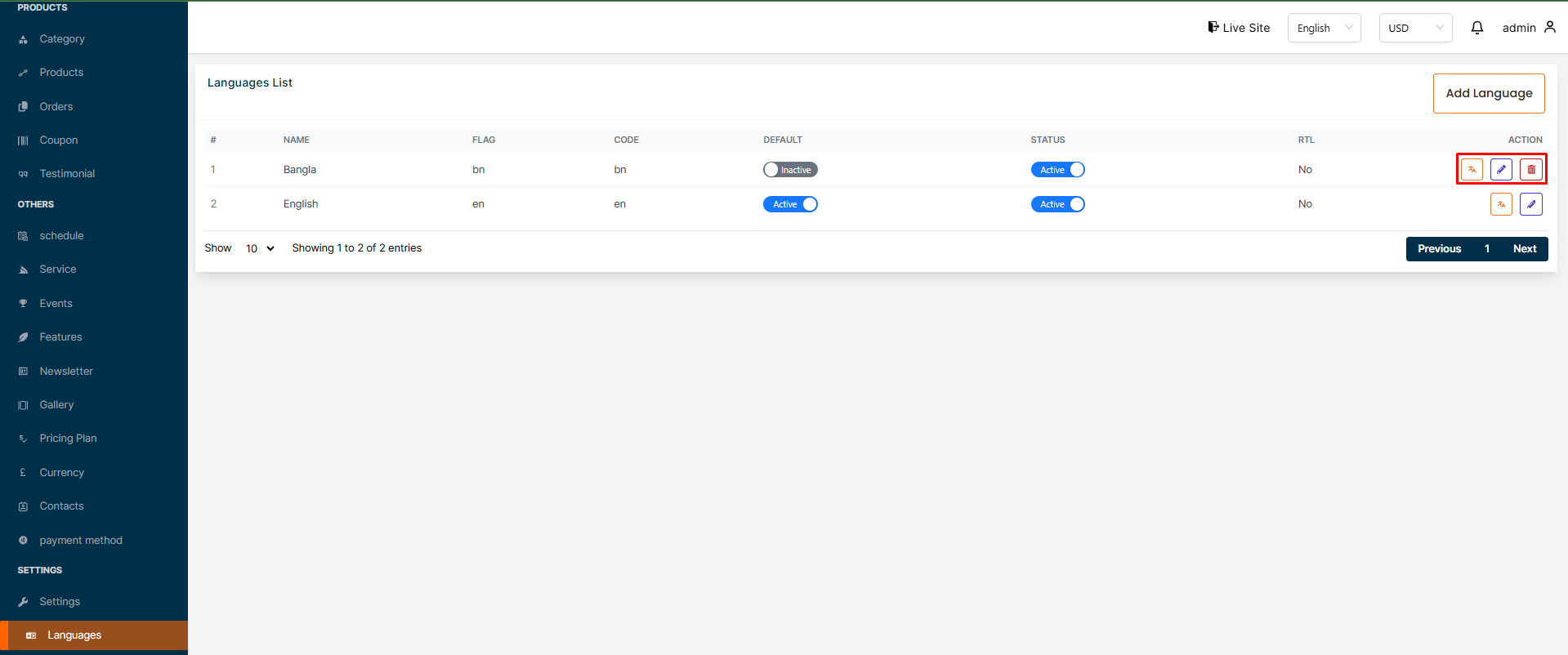
In this section, the admin will be able to see all the existing languages. Admin can edit, delete and view using the "Action buttons".
# Here is how to add a new language !
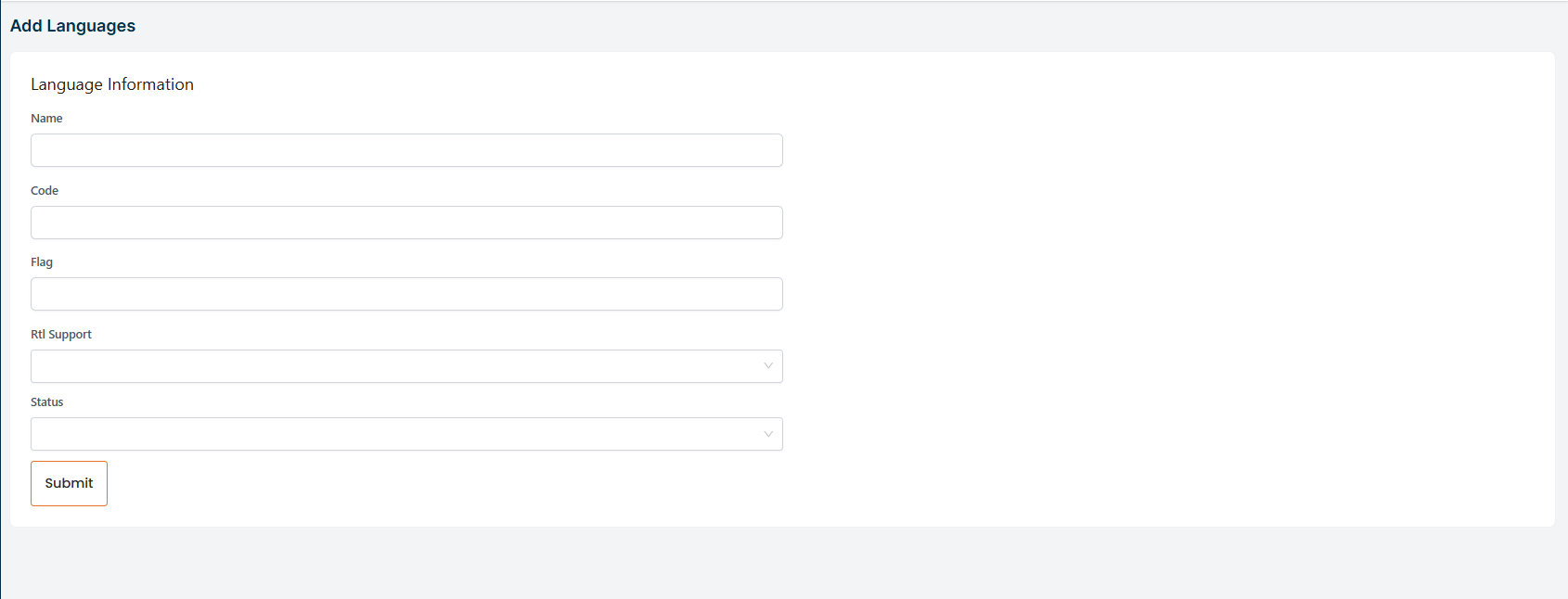
To add a new language, click on the "Add Language" button. A form will appear where you can add a new language. After adding the language, click on the "Submit" button to Submit the language.
# Here is how to edit a language !
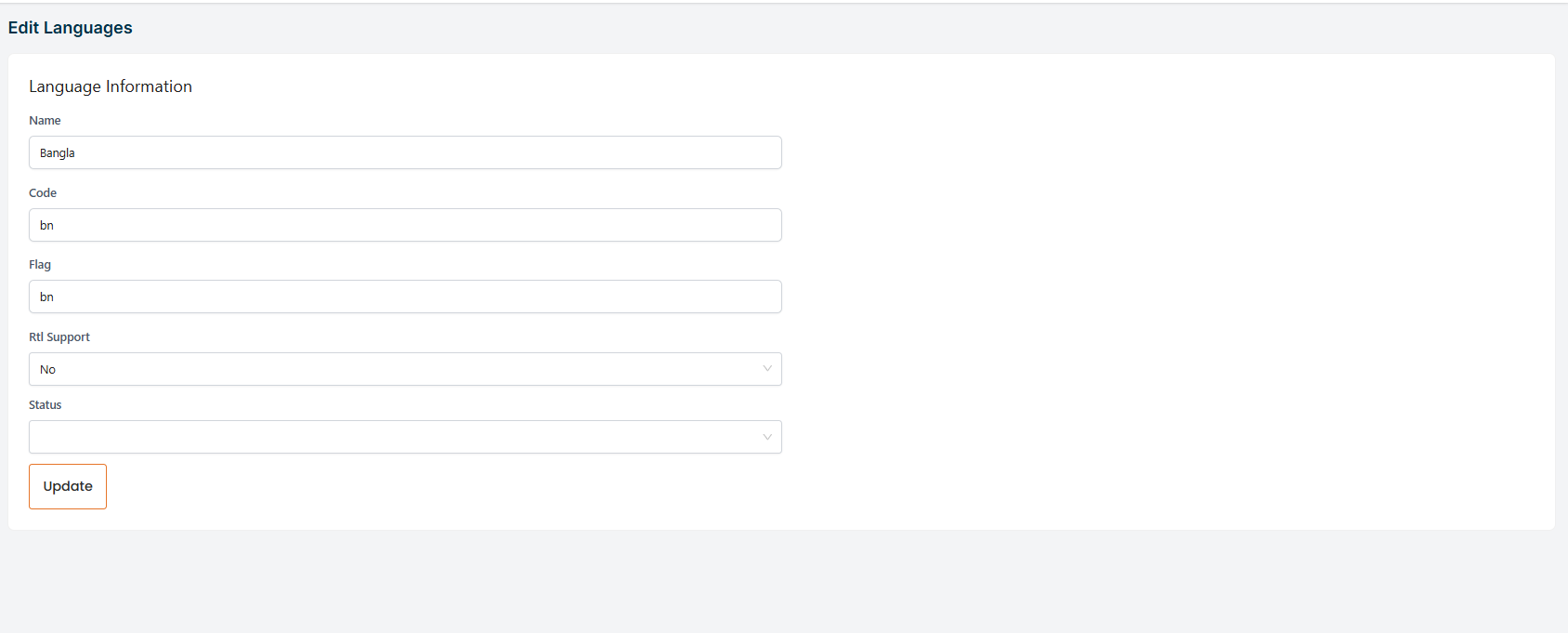
To edit a language, click on the "Edit" button. A form will appear where you can edit the language. After editing the language, click on the Submit button to Submit the language.
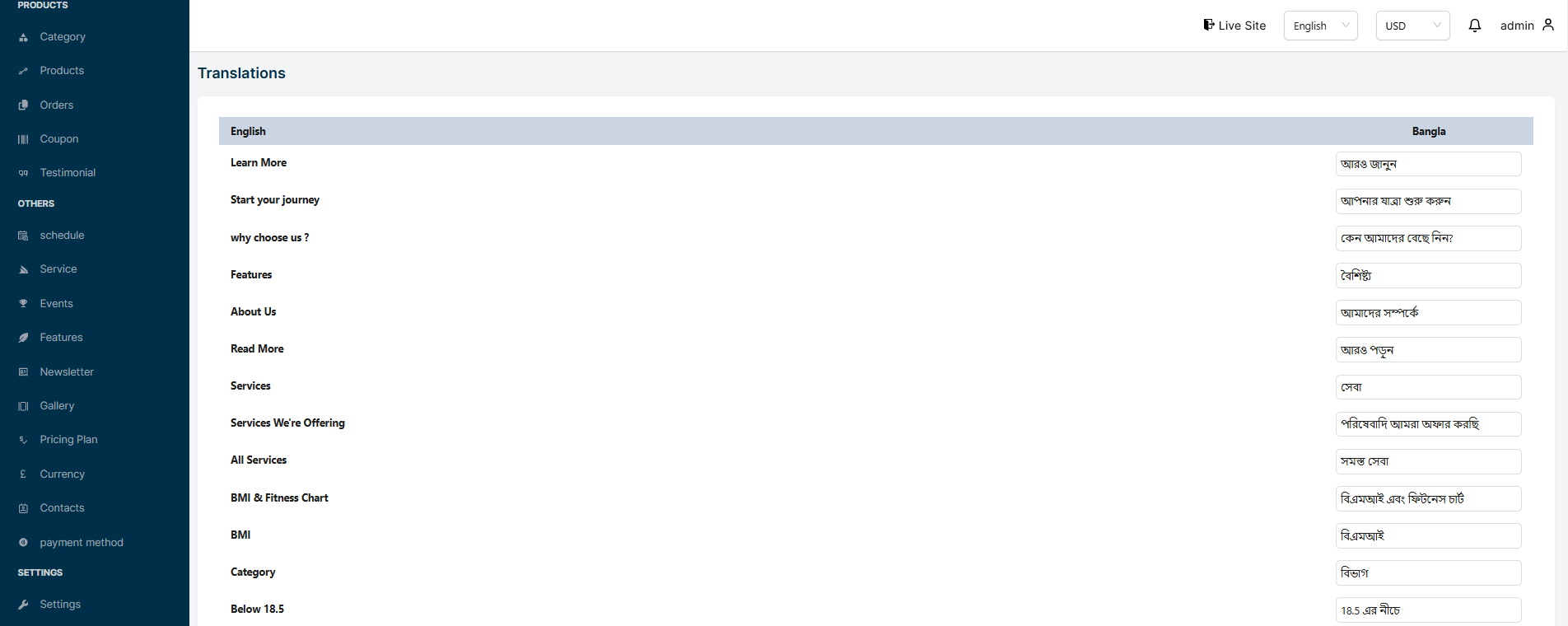
You can also translate some static text manually useing the "Translate" button icon