# Gallery
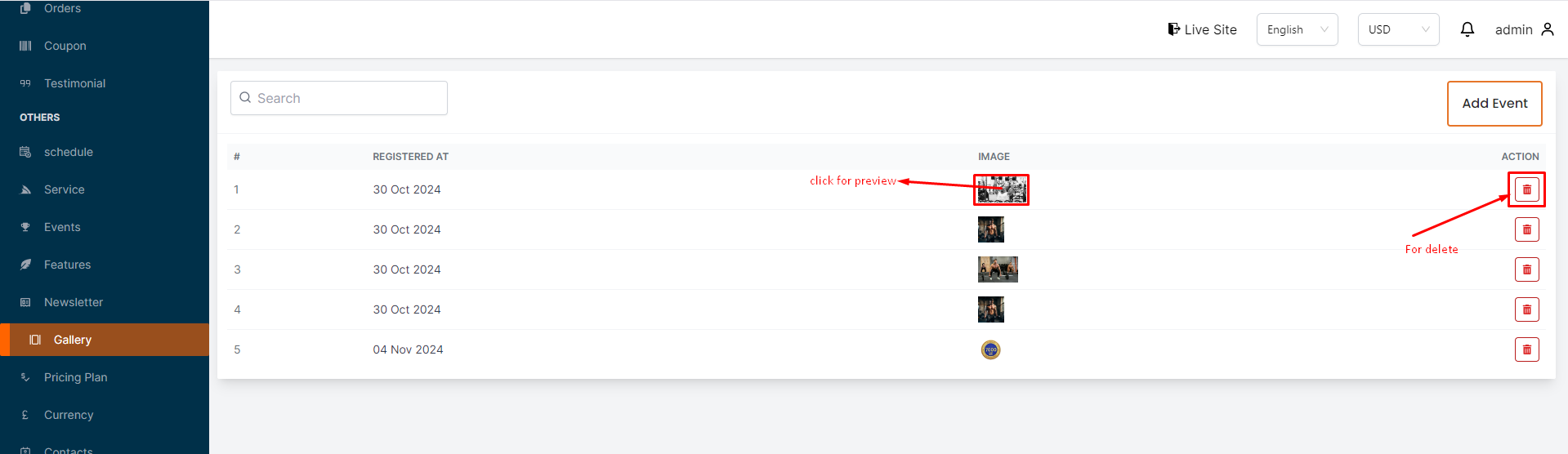
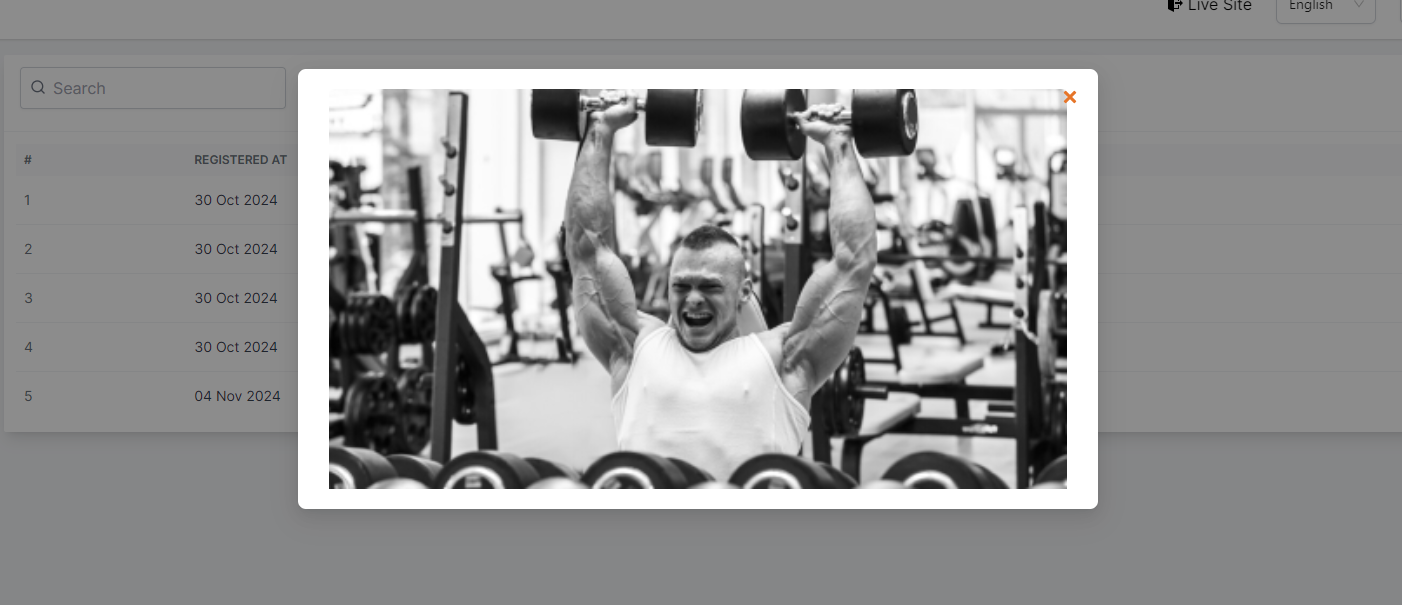
In this section, the admin can add images to the gallery.This is the gallery page where admin can see all the existing images.Admin can preview the image by clicking on the image.# Here is how to add a new image !
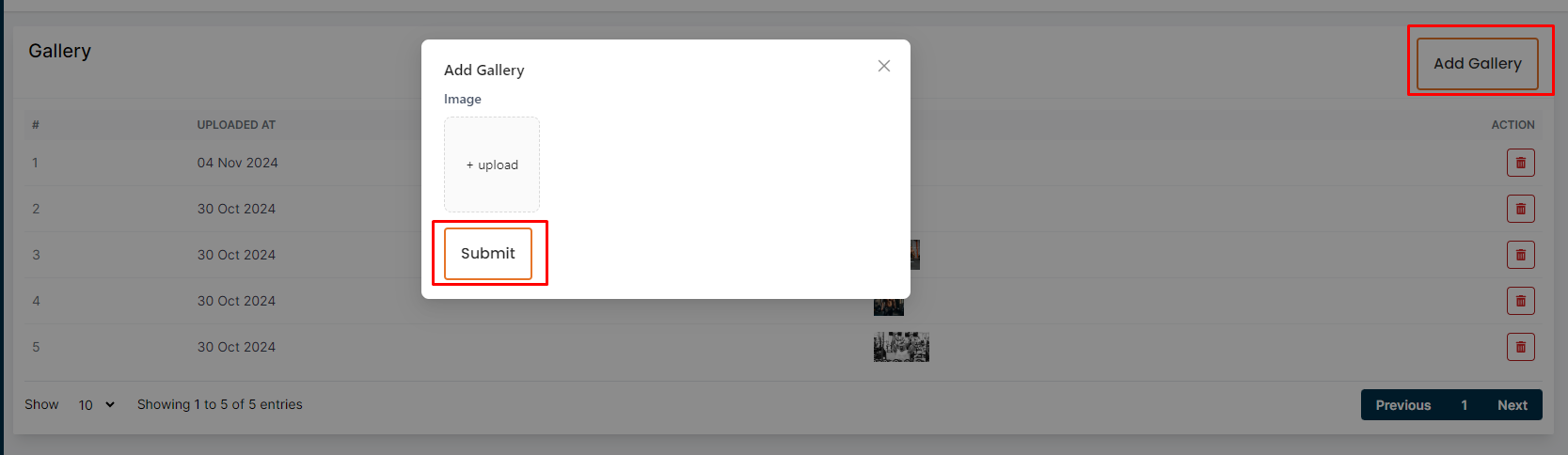
To add a new image, click on the "Add Gallery" button. Select the image and click on the "Submit" button to save the image.# Here is how to delete a image to gallery !
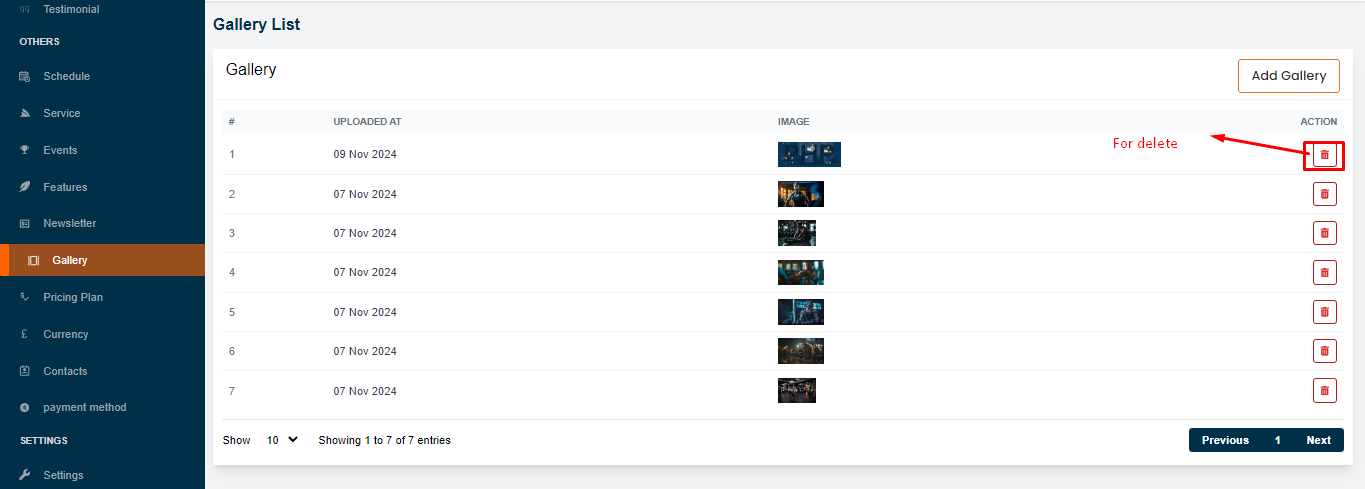
To delete a image, click on the "Delete" action button.