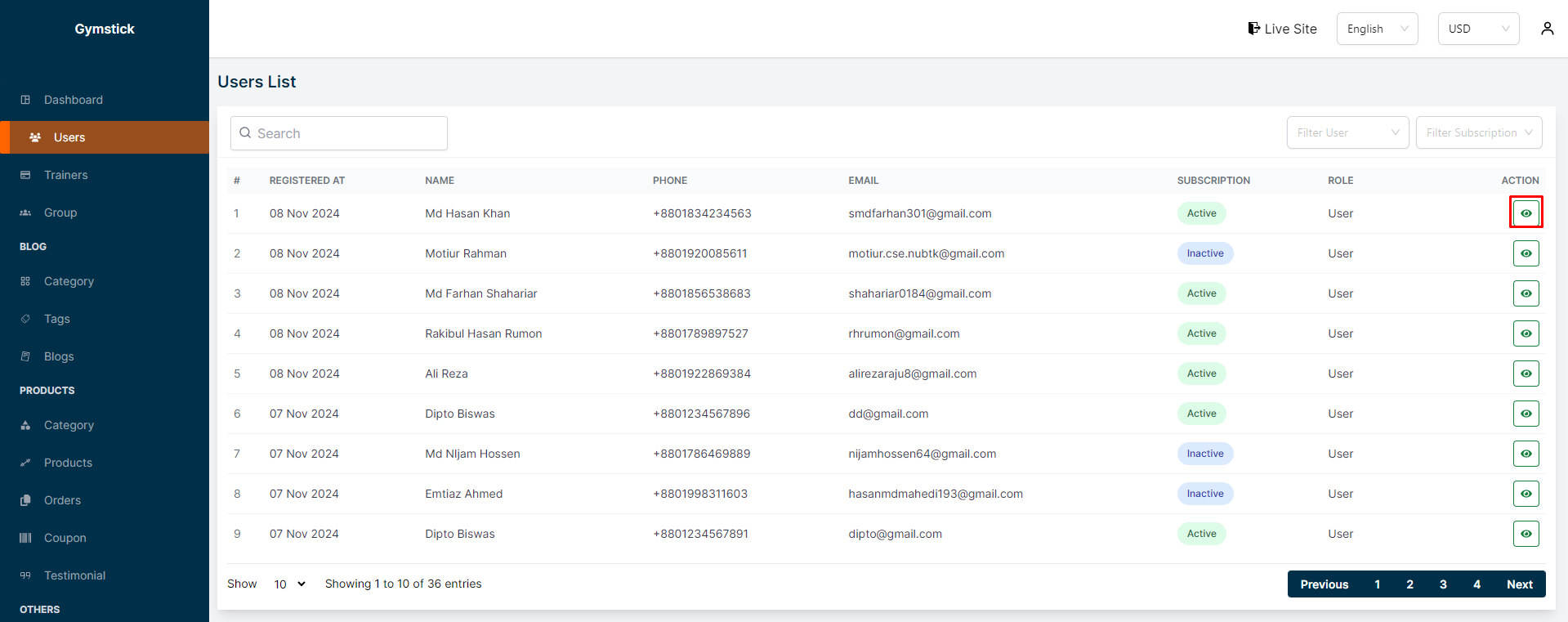
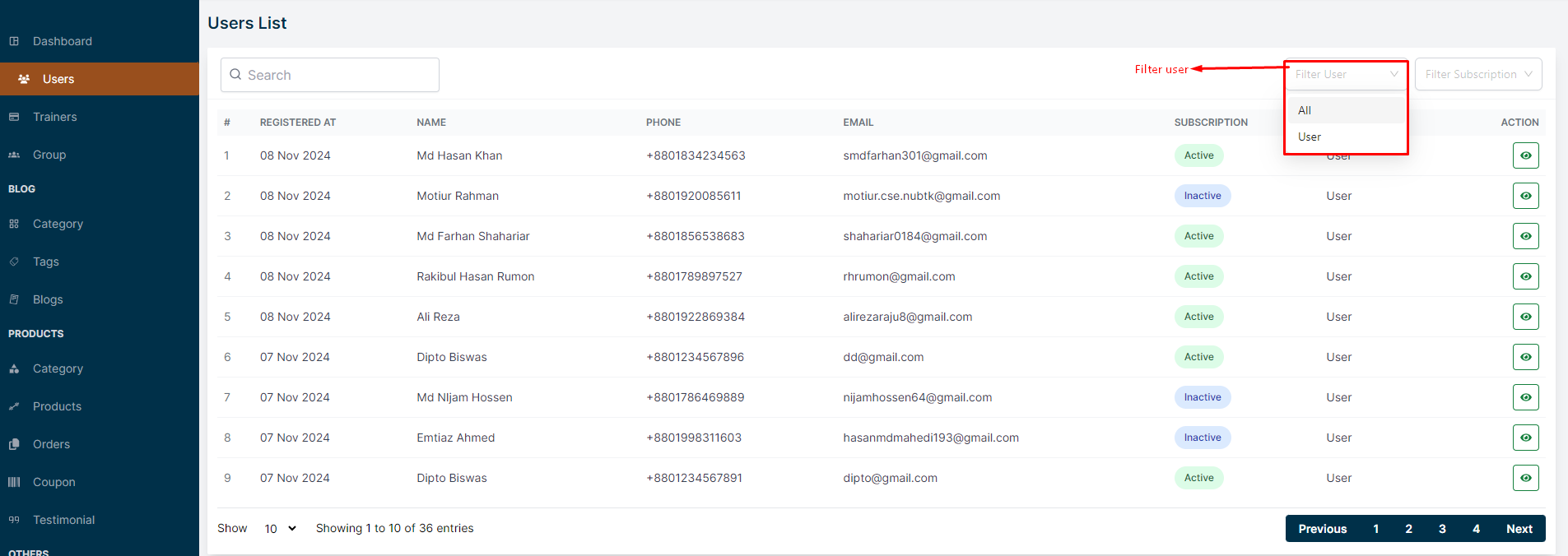
In this section, the admin will be able to see all the existing users and their key information. Admin can search for a specific user by using the "search bar" and also can filter users based on their role using the " filter option ".
# Here is how to see User Details !
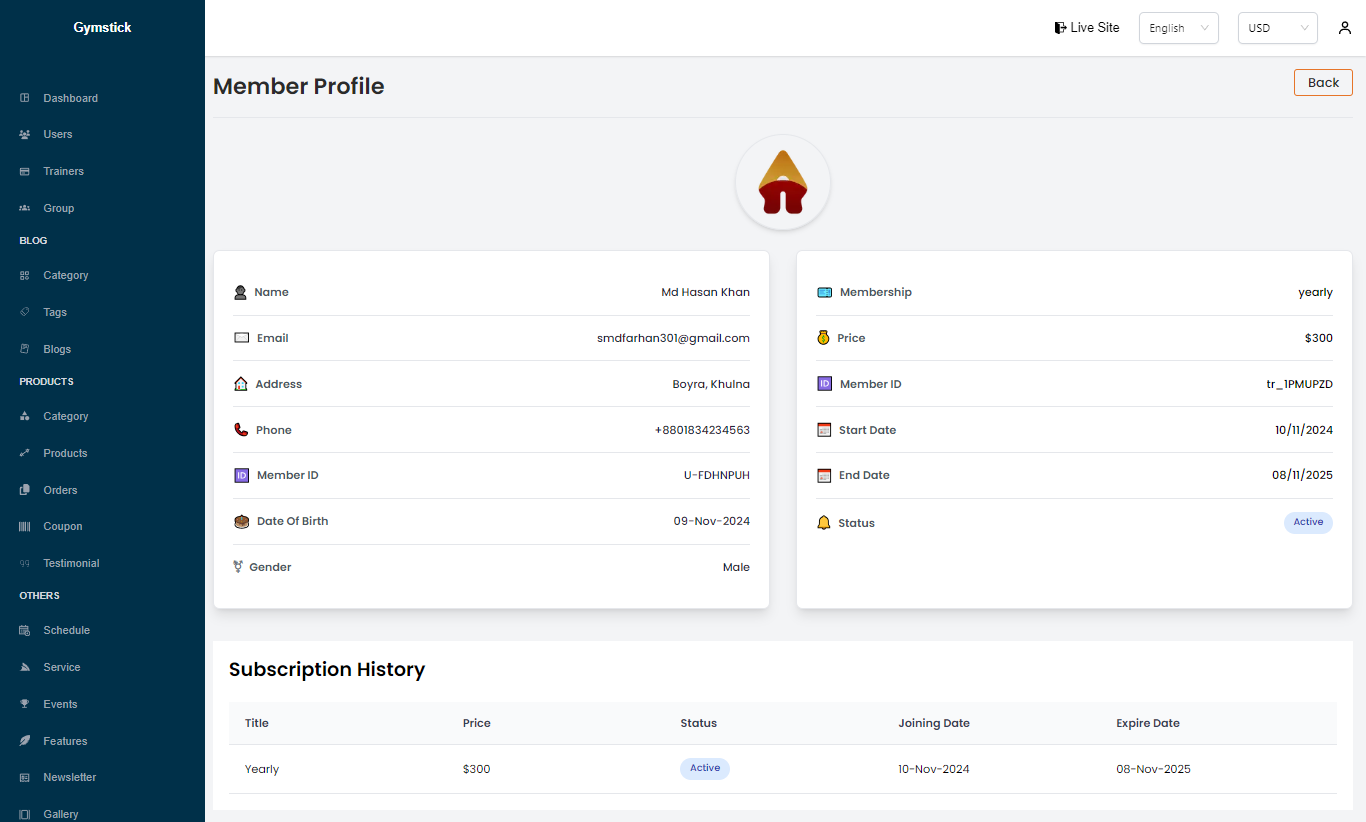
To see the details of a user, click on the "View" button. A page will appear where you can see the details of the user.
You can also filter users based on their role using the "filter user".
And you can also filter users based on their subscription using the "filter subscription".